1. Choose your dashboard
Select your dashboard among our live platforms: Shopify, Stripe, Revo, Phantom, Vinted, Apple Wallet, iPhone Camera, Fomo and Whop.
This app simulates money. Here’s how we keep it fun and harmless

From €17.99
Secure checkout · card
Platform
Desktop & mobile
Web app
Customization
Language, currency, metrics
Fidelity
1:1 identical
Updates
Included
Version
2026
Dashboard updated on October 22, 2026 at 08:20 PM
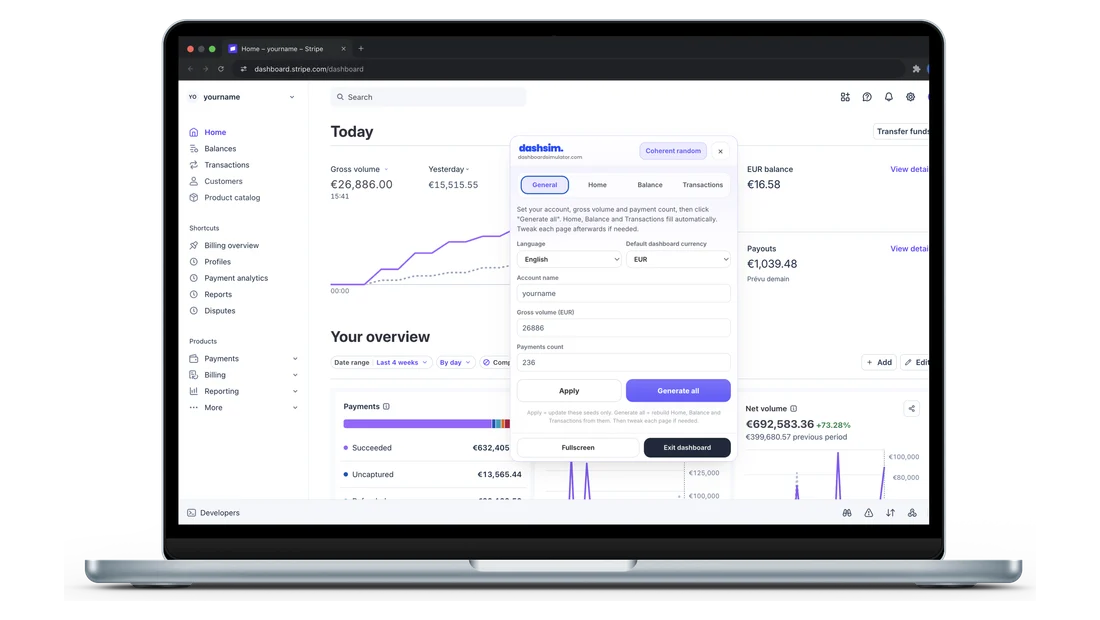
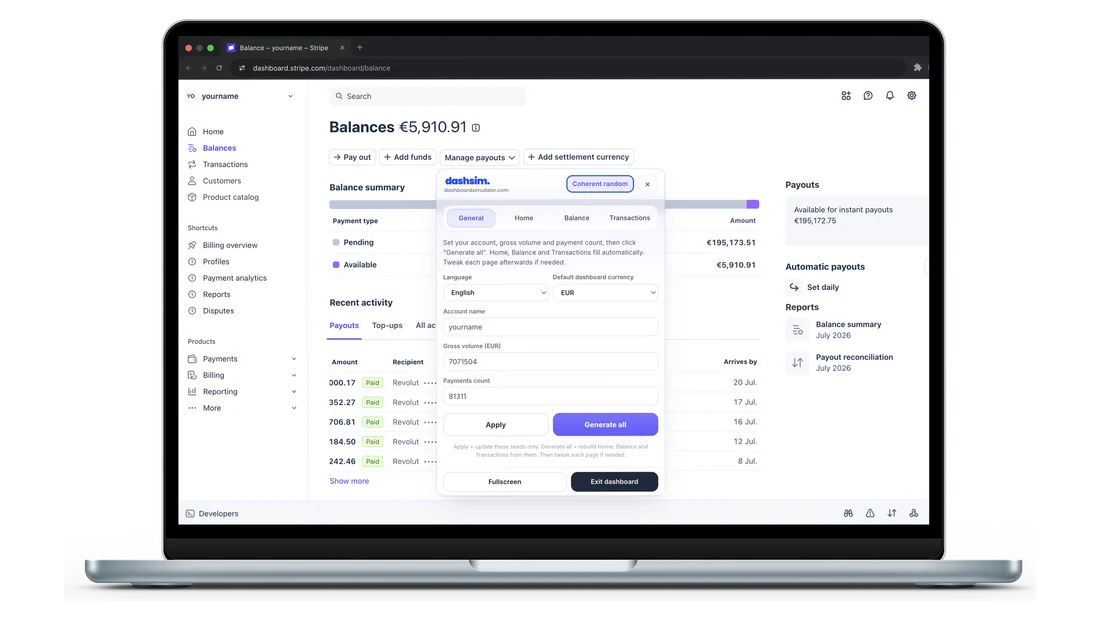
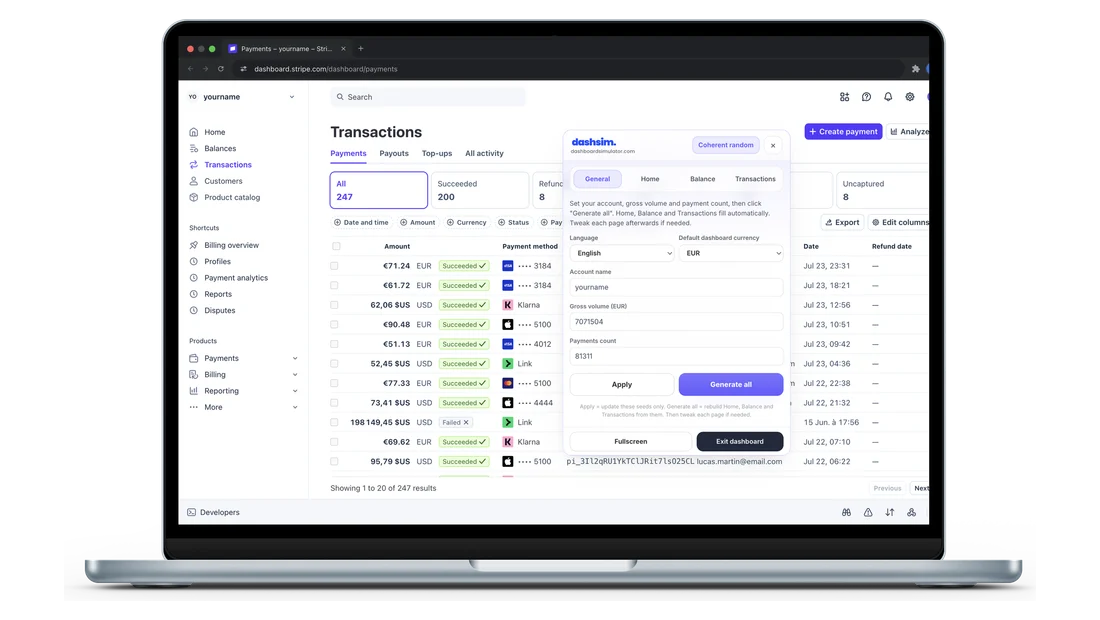
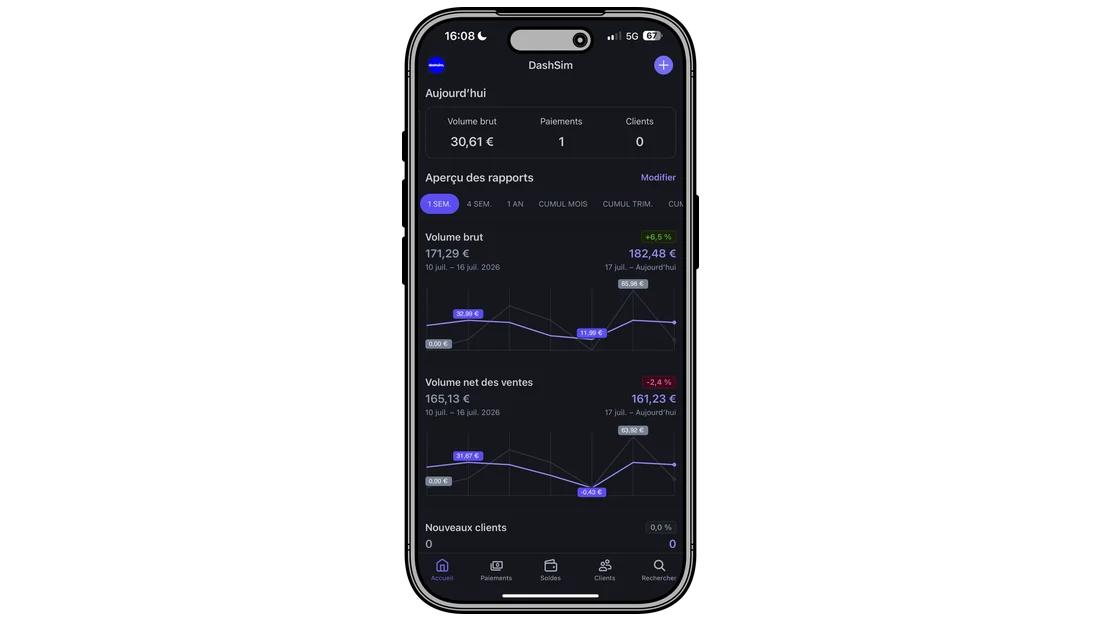
Stripe-style payment and payout alerts, live on your phone.
Fully customizable
This video may show an older version or a language different from yours; however, the current dashboard is fully up to date, continuously improved, and fully customizable in your exact language.
Yes. DashSim mirrors the Stripe UI with Pixel Perfect HD rendering.
Instant. After Stripe payment, you go straight to your creation interface.
24h for one-time needs. Lifetime for regular use, updates and notifications.
Yes. Mobile-optimized to simulate payments and capture credible content.
Yes. Secure Stripe checkout. Your simulation numbers stay private.
Yes. You can set the dashboard and notifications to any language and currency you want (English, French, USD, EUR, and more) anytime from your account.
Yes, anytime from your control panel. They stay after a refresh — unlike Inspect Element.
Yes. Your figures are saved in the browser. Reload the page, close the tab, come back later — the dashboard still shows your numbers. Unlike an Inspect Element edit, nothing resets when you hit refresh.
No. DashSim is a demo simulator, not affiliated with Stripe. Use it for demos, training and content — never to process real payments or deceive anyone.
A screenshot is static. DashSim is interactive (editable metrics, navigation): better for live demos, courses and videos, without real customer data.
Select your dashboard among our live platforms: Shopify, Stripe, Revo, Phantom, Vinted, Apple Wallet, iPhone Camera, Fomo and Whop.
Pick 24h access at €17.99 for one-time needs, or lifetime access at €49.99 for unlimited usage.
Once your order is complete and account created, go to "My account" to launch your dashboards.
Use your dashboard for 24h or without limits depending on your plan.